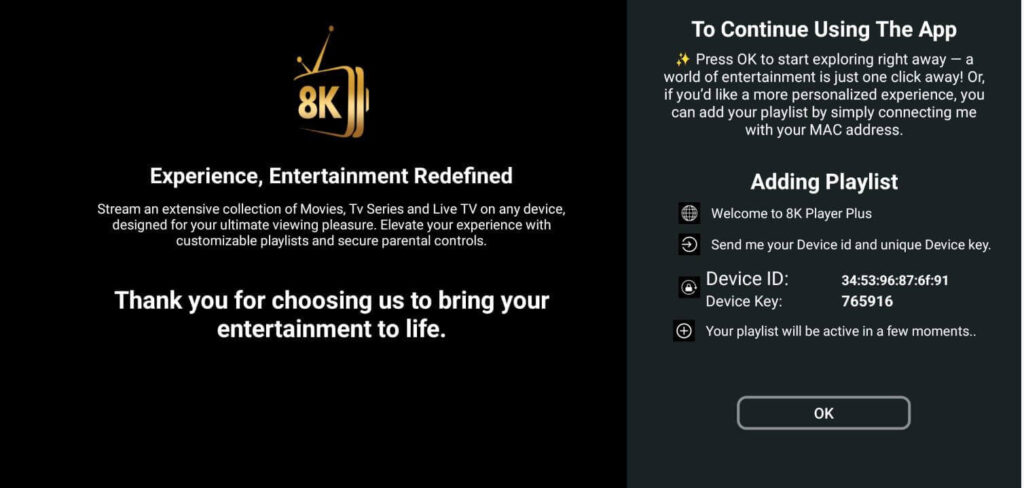
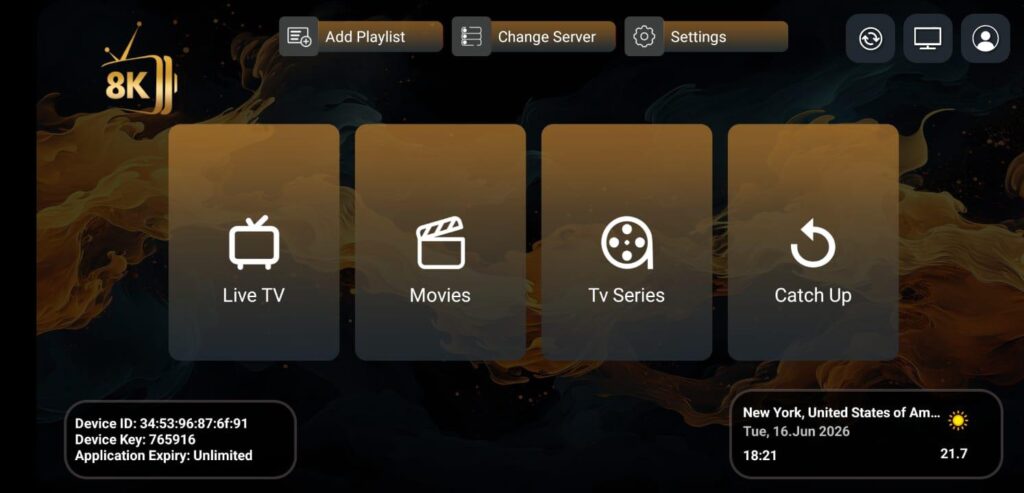
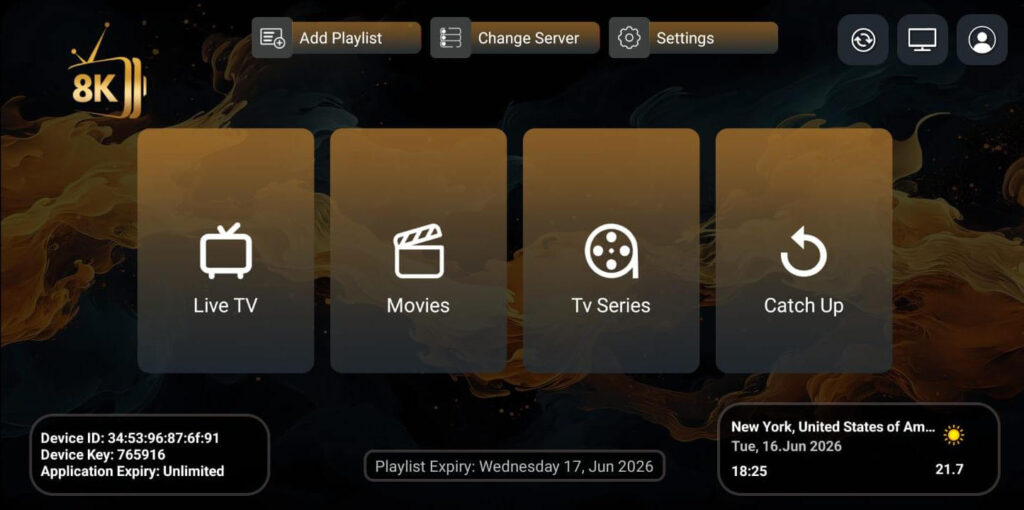
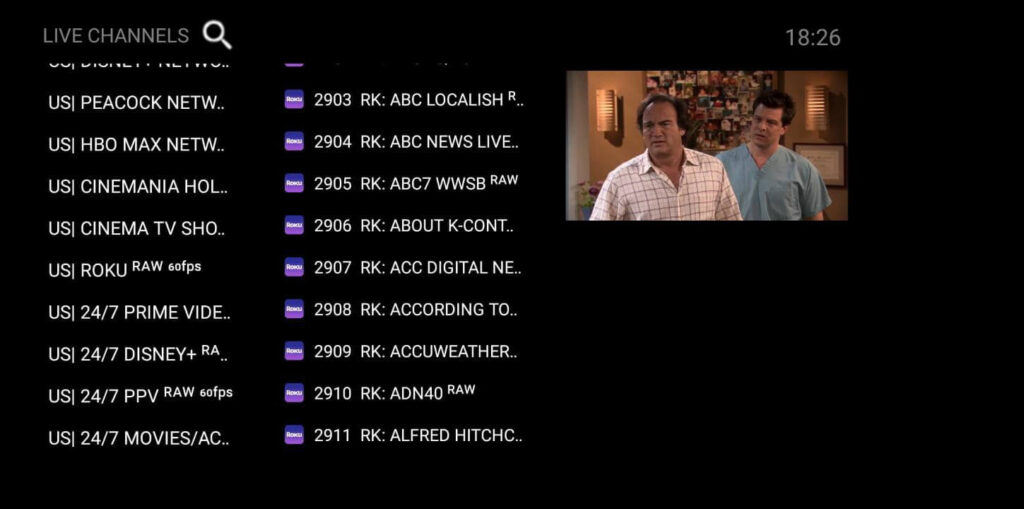
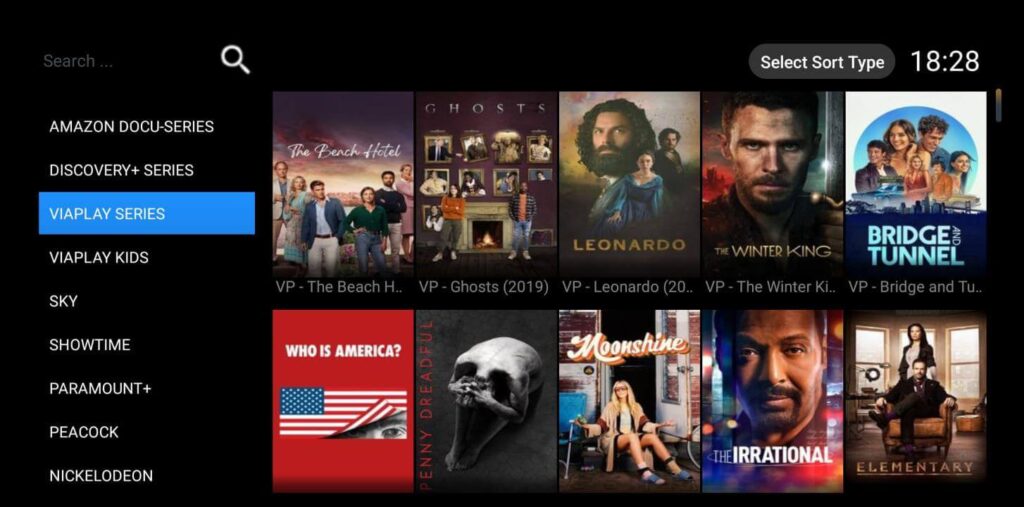
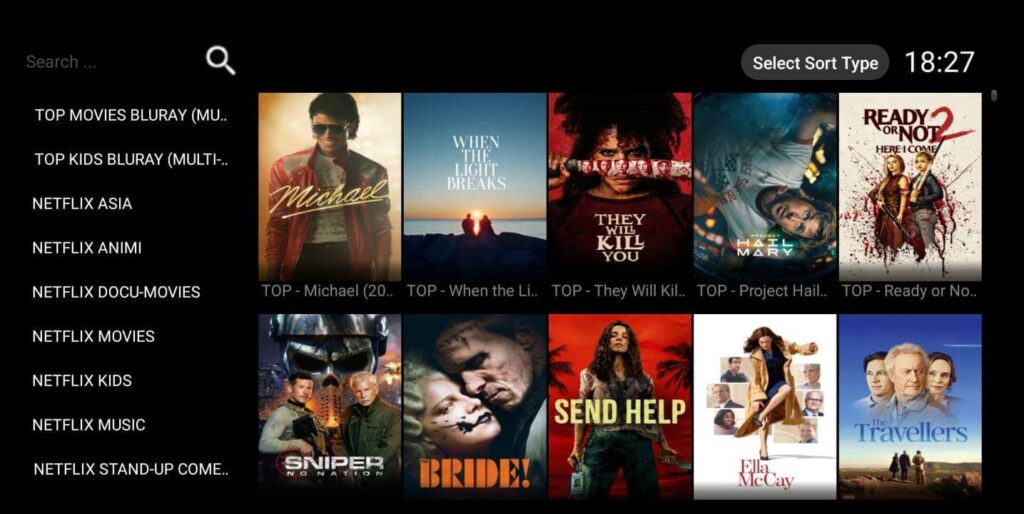
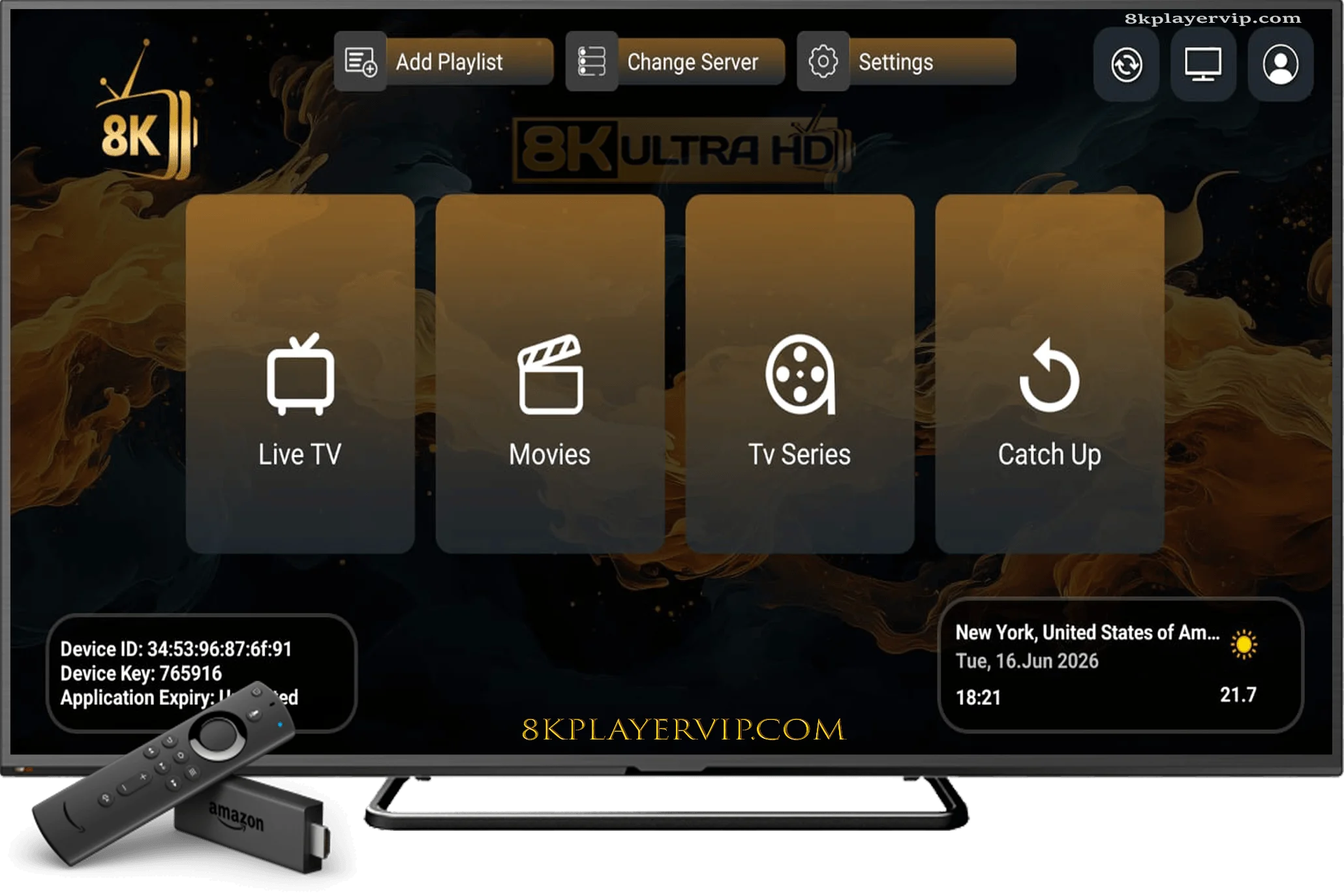
8K Player Plus is a premium streaming player designed for Android TV, Fire Stick, and other smart streaming devices. Built to deliver a seamless entertainment experience, it combines a user-friendly interface with fast navigation and reliable performance, making it easy to enjoy your favorite content on large screens.
Engineered for modern users, 8K Player Plus offers smooth playback and responsive controls across a wide range of compatible devices. Whether you’re relaxing at home or watching on the go, the application provides an intuitive viewing experience with minimal interruptions and optimized performance.
With support for impressive 4K and 8K resolution, 8K Player Plus delivers exceptional picture quality, sharper details, and enhanced clarity for a more immersive entertainment experience. Its advanced technology ensures stable performance and quick responsiveness, making it an excellent choice for users who value both convenience and high-quality playback.
Designed to meet today’s entertainment needs, 8K Player Plus combines simplicity, speed, and reliability in one powerful application. From its clean interface to its enhanced viewing capabilities, 8K Player Plus provides a next-level streaming experience tailored for everyday use across your favorite devices.
Join Over 25,000 People Who Stream Their Favorite Channels With Iptv 8k player vip
Save 80% For
24Months
Download 8K Player Plus app
8K Player Plus app: 📡To download our 8K VIP app for your devices
8k Plus is a modern streaming player designed for Android TV, Amazon Firestick, and compatible smart streaming devices. It offers a smooth interface and premium viewing experience.
The process of obtaining a membership is extremely simple: simply select the subscription that best suits your needs from the Packages, and you will receive an email with your subscription details as soon as the money has been successfully processed.
You can request your subscription from us by clicking here.
We do not offer a free IPTV trial, but if you’d like to test our service, we recommend starting with a 1-month subscription.
This allows you to fully experience the quality and reliability of our IPTV. Once your 1-month subscription expires, you’ll automatically receive a 10% discount on our annual subscription, giving you great value for continued access to our service.
How to Add Your Account to 8K Player Plus?
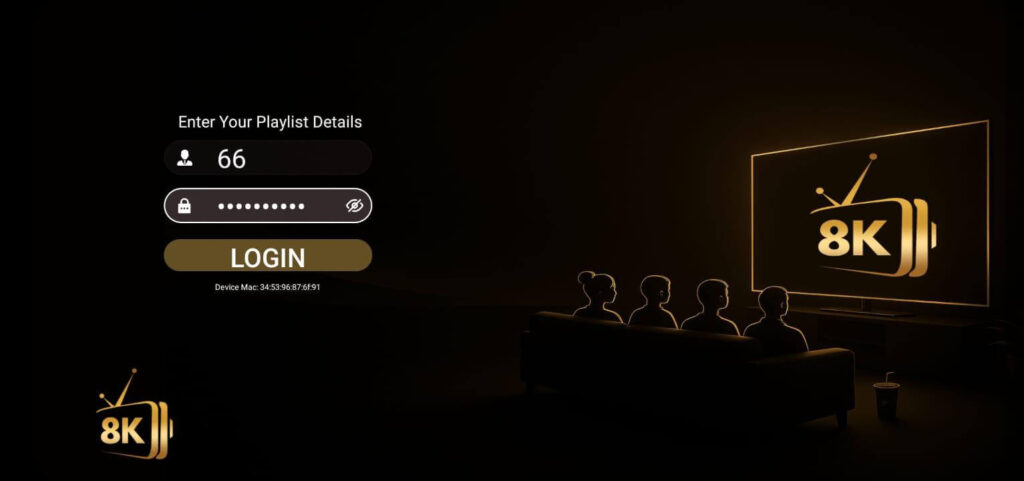
Getting started is quick and easy. Once you receive your account details, open the application and click on the “Add Playlist” icon. Then, enter the Username and Password provided to you, and save your information to access the application.
Our official applications, including 8K Player VIP, 8K Player Plus, and 8K Player Prime, only require a Username and Password for activation, making the setup process simple and user-friendly.
If you prefer to use a different compatible application, you may also need a Host URL in addition to your login credentials. Don’t worry — we will provide the Host URL upon request so you can easily set up your account on your preferred application.
Setup Steps:
Open the application.
Select Add Playlist.
Enter your Username and Password.
Save your details and start using the application.
Our team is always available to assist you if you need help with setup or account activation.